How to Share a Memorial Page with Family and Friends
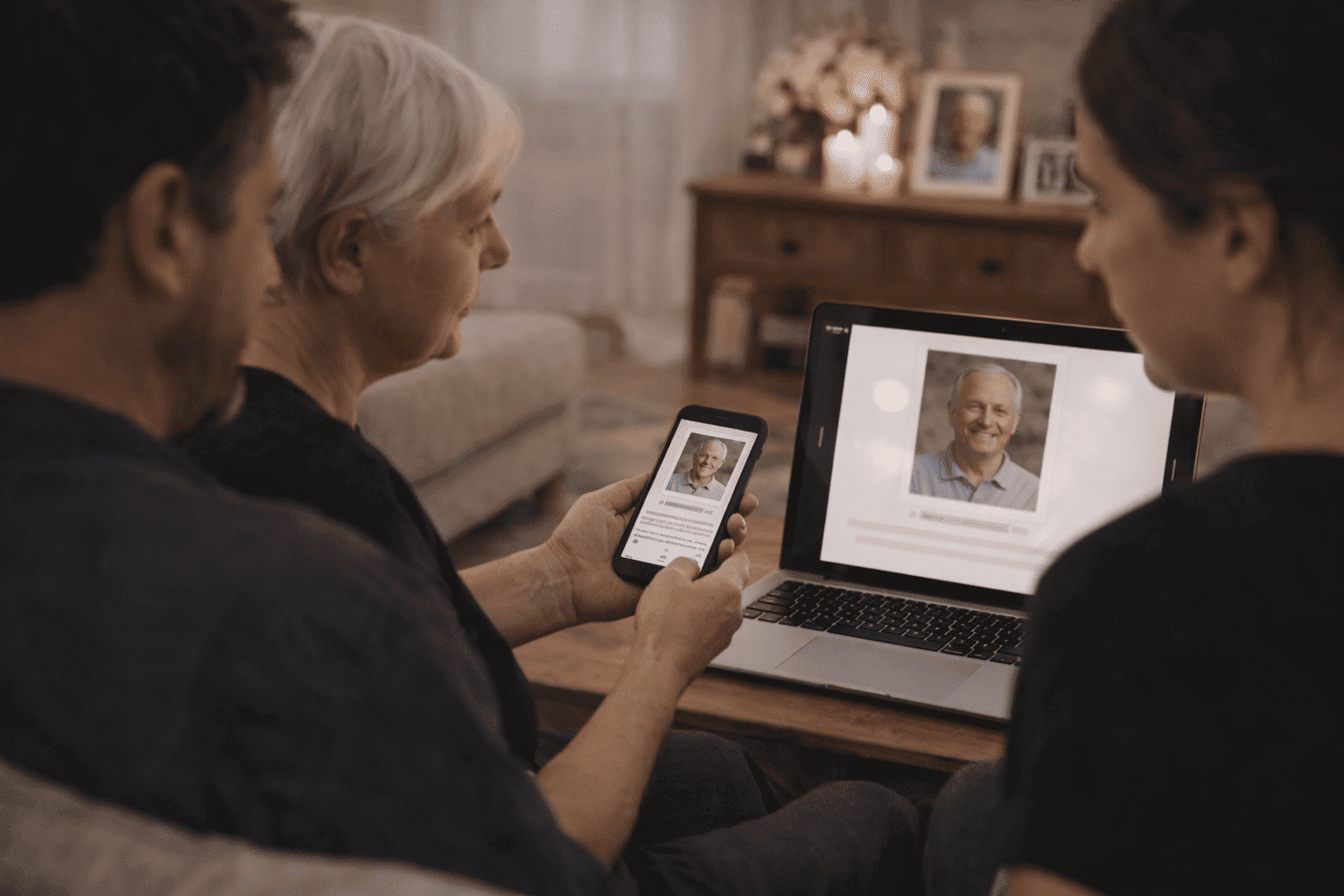
Once a memorial page is live, the next question is usually simple: how do we share it?
The answer depends on who needs it, how quickly people need the information, and whether the page is meant to stay close to family or circulate more broadly.
Share It First with the Inner Circle
Before posting anywhere public, send the page to the closest family members first.
That gives them a chance to see the memorial before others do, catch any mistakes, and feel included in the process.
Even a quick text is enough:
I made a memorial page for Dad so we can share his photos and story in one place. I wanted to send it to family first before we share it more widely.
Timing Matters
If you can, share the page within a day or two of creating it — while people are still asking how to help or where to find information. The window when people actively want to connect is shorter than you'd expect.
That doesn't mean rushing. If the page isn't ready, a simple message saying "we're putting together a memorial page and will share the link soon" buys you the time you need without leaving people without anything.
Best Places to Share a Memorial Page
Text or WhatsApp
Best for immediate family, close friends, and small group chats. This is often the fastest and most personal option.
A message in a family group chat can reach everyone at once. Try something like:
Here's the page we put together for [name]. Feel free to share it or leave a memory if you'd like: [link]
Best for older relatives who may not use WhatsApp, extended family, or anyone who needs service logistics in writing. Email gives you room for a short note plus the link.
If you're sending to a longer list, BCC everyone to protect their addresses.
Obituary or Funeral Notice
Best for community-wide sharing and people who may not be in direct contact with the family.
If you include the memorial link in a published obituary, make sure the page is meant to be public enough for that kind of reach. Once it's in print or posted publicly, you can't easily walk it back.
Funeral Program or Prayer Card
Best for in-person attendees and anyone who may visit the gravesite later.
This works especially well when you add a QR code that visitors can scan on their phone. It gives people a way to connect with the memorial during the service — or years afterward.
What to Do When Family Doesn't Agree
Sometimes one family member wants to share broadly while another wants to keep things private. That tension is common.
A few approaches that tend to help:
- Start with a private page and only share the link directly with people you've chosen
- Agree on a short delay — share with close family first, then open up after the service
- Keep the page focused on tribute and photos rather than anything that could feel sensitive
If you're setting privacy intentionally, private vs public memorial pages explains the tradeoffs in more detail.
A Simple Message Template
If you want a respectful, low-pressure message that works in almost any context, try:
We created a memorial page for Joanne where family and friends can view photos, read her story, and remember her together. Here is the link: [link]
That's usually all you need. You don't have to explain the platform or give instructions — people will figure it out.
When to Use Social Media
Social media can be useful when the person was connected to many communities, the circle is large, or the family is comfortable sharing publicly.
If you're unsure, start with direct sharing. You can always post more broadly later — you can't un-share.
For social-specific tips, this guide on how to share a memorial page on social media goes deeper.
If the Memorial Is Private
Private memorial pages should be shared through direct text, email, or private family groups. That keeps the page aligned with the family's original privacy choice — and means it won't show up in search results or public obituary listings.
Don't Forget the Gravesite and Service Materials
Some of the most effective sharing doesn't happen online at all.
If the memorial page includes a QR code, you can place it at the service, on a memory table, in the funeral program, or near the gravesite. People who visit months or years later will appreciate having a way to connect beyond a headstone.
If you want ideas for that, read how to share a memorial QR code at the gravesite.
If you want a memorial page that's easy to send by link or QR code, QuickMemorial lets you create one in minutes.
Frequently Asked Questions
How soon should I share a memorial page after someone dies?
There's no required timeline. Most families share within a day or two of creating the page, often around the same time they send service details. If the page isn't ready, a brief message saying "we'll share the link soon" is enough to let people know something is coming.
Do visitors need to create an account to view a memorial page?
With QuickMemorial, no. Visitors can view the page and sign the guestbook without signing up for anything. That removes friction, which matters when you're sending a link to people of all ages and varying levels of tech comfort.
What should I say when sharing a memorial page?
Keep it short. Something like "We made a page for [name] where family and friends can see photos and share memories — here's the link" is plenty. You don't need to explain the whole platform.
Can I share a private memorial page?
Yes. With a private page, only people who have the direct link can visit. You share it exactly the same way — by text or email — but it won't appear in search results or public obituary listings.
What if I want to control what appears in the guestbook?
Most memorial pages let you moderate guestbook entries before they're visible. That means you can review any comments before they appear, which gives families more control over what others see.
QuickMemorial
Written by the QuickMemorial editorial team. We cover grief, memorials, and end-of-life planning to help families navigate loss with care. Learn about us.
Related Articles
How to Share a Memorial Page on Social Media (With Copy-Paste Wording)
Exact wording for sharing a memorial page on Facebook, WhatsApp, Instagram, and family group chats. Respectful, clear examples families can post without feeling awkward.
Grave Marker vs. Headstone: What's the Difference and Which to Choose
A grave marker and a headstone both mark a burial site, but they differ in size, style, cost, and cemetery rules — this guide explains each option clearly.
Memorial Service vs. Funeral: Key Differences Explained (2026)
Memorial service vs. funeral: one involves the body, the other doesn't. This guide covers timing, cost, and how to choose the right format for your family.